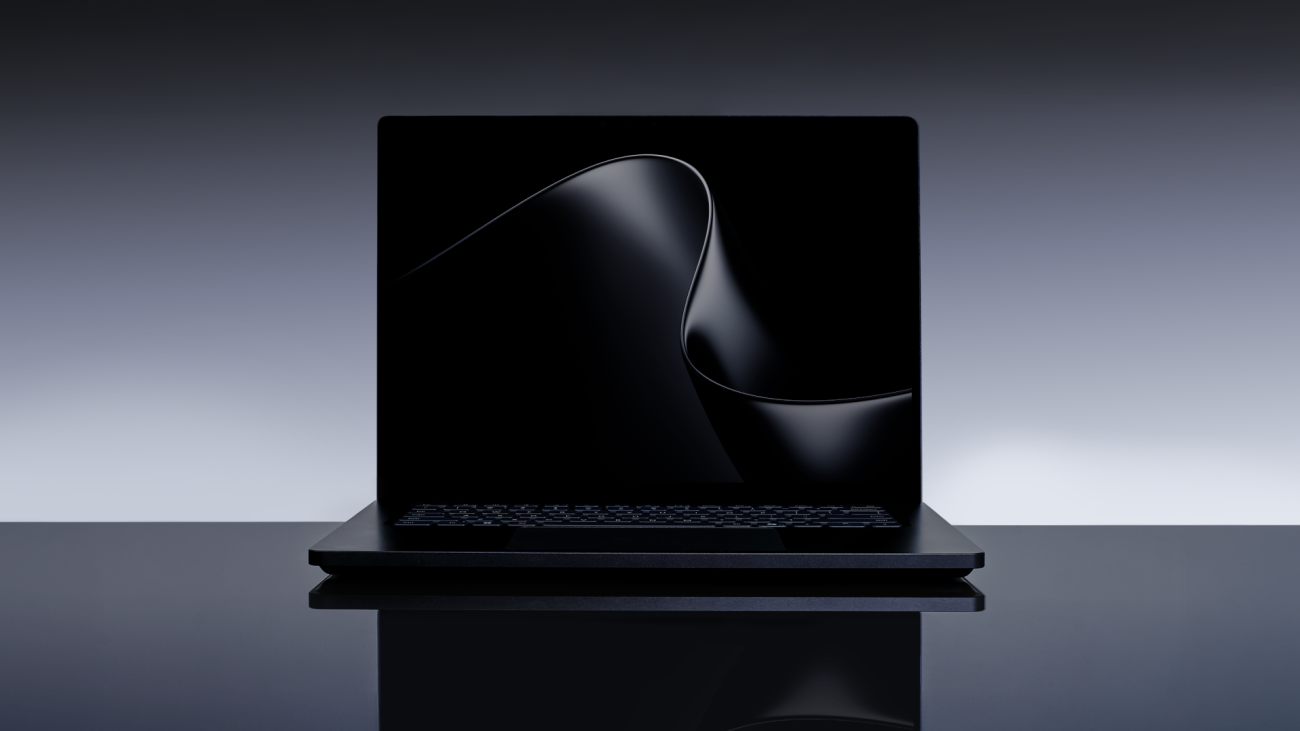
NVIDIA announced RTX Spark laptop availability on October 16, 2026, with up to 128GB of unified memory. For a buyer choosing a portable machine for local AI, that maximum needs a qualification: on Microsoft Surface Laptop Ultra, it is total system memory shared by the CPU and GPU, not a separate 128GB graphics allocation.
Microsoft’s product-page footnote says the maximum the GPU can address depends on the configuration and workload and is less than the total. It does not give one fixed GPU allowance. That leaves a buying question the headline specification cannot answer: how much room will your model have while your other work stays open?
This is a specifications-based analysis of NVIDIA’s launch announcement and Microsoft’s product pages and technical footnotes, not a hands-on review. SekaiTech has not tested these laptops. Our editorial policy explains our use of AI-assisted research and editing.
128GB is a system ceiling, not a model budget
Microsoft lists Surface Laptop Ultra for Business configurations with 24GB, 32GB, 48GB, 64GB or 128GB of unified memory. The maximum on the product-family page therefore says little about the machine in a particular shopping basket. Start with the memory on the exact configuration you are considering, then check the model and applications you need.
According to NVIDIA, RTX Spark combines a Blackwell RTX GPU and a Grace CPU in one superchip, with CUDA and RTX technologies on Windows. Microsoft describes the shared pool as dynamically allocated across CPU and GPU. For someone who currently switches between a laptop and a separate inference machine, the attraction is running more of that working environment on one portable computer.
That is a reason to investigate the architecture, rather than evidence that a particular model will run comfortably. Microsoft’s qualification does not establish a universal allocation ratio, and it does not mean that all memory left after opening other applications is automatically available to the GPU. A claimed 128GB configuration should not be compared with 128GB of dedicated graphics memory as though the two specifications were interchangeable.
A useful demonstration would keep your development environment and ordinary applications open while running the intended model. Ask the seller or reviewer to identify the laptop configuration, model file, precision, runtime and context setting, and to report memory use alongside responsiveness. Those are proposed comparison conditions, not tests SekaiTech has performed. They would answer a more relevant question than a demonstration that merely loads a model on an otherwise quiet machine.
The compute headline needs its own qualification. Microsoft labels the advertised one-petaflop AI figure as theoretical FP4 performance using sparsity. It is not a measured token-generation rate or a measure of the memory available to a model. Neither that number nor the memory maximum establishes how quickly a long prompt will be processed.
Read the model example and its test conditions separately
Microsoft’s October 7 Windows announcement describes MAI Code 1.1 Flash as having 137 billion total parameters and 6.8 billion active parameters. It says a 3-bit version reduces the model’s size while supporting a local 256K context window. These are Microsoft’s claims about a particular model and representation, not SekaiTech measurements or a promise for every similarly sized model.
The same announcement’s time-to-first-token comparison uses a different example: Qwen3.5 27B at Q4K-Medium precision with a fixed 8,192-token prompt. Microsoft says the September testing was commissioned by Microsoft and used preproduction Windows PCs, including a 64GB Surface Laptop Ultra. A result from those conditions cannot establish the speed of MAI Code at a 256K context, or the experience on a lower-memory retail configuration.
That distinction is useful when reading a sales page: model-capacity claims and performance comparisons may describe different workloads. Before paying for more memory, look for results that match the model you intend to use. If no such results exist, the sensible conclusion is that the fit remains unverified, rather than that the largest advertised parameter count settles the purchase.
There is also a separate software check. Microsoft identifies Surface Laptop Ultra for Business as an Arm-based Windows 11 PC. It says many applications run natively, others can use Prism emulation, and specialized drivers, plug-ins and older utilities need a compatibility check before purchase. Extra memory cannot resolve an incompatible essential tool.
For a Surface Laptop Ultra shortlist, keep two pieces of evidence together: the exact configuration’s shared-memory specification and a workload result with its conditions disclosed. Microsoft’s GPU-memory footnote explains why the first cannot substitute for the second.
Sources
- NVIDIA: RTX Spark laptop availability and architecture, October 16, 2026
- Microsoft: Surface Laptop Ultra specifications and shared-memory footnote
- Microsoft Store: business configurations and Windows on Arm compatibility
- Microsoft: Surface launch announcement and theoretical-performance footnote
- Microsoft: local-model claims and preproduction comparison conditions