Microsoft's October 19 security announcement puts a practical question in front of anyone deploying an AI agent: what stops it from taking an action it should not take? The company introduced Dynamic Permissions, Dynamic Agent Risk and Dynamic Conditional Access for agents as part of an expanded Project Perception effort. These are Microsoft's announced controls, not independent proof that an agent deployment is secure.
For developers, the useful detail sits below that product lineup. Microsoft's documentation separates the model making a decision from the systems allowed to enforce it. Running a model locally is a separate choice from limiting what its tools can reach.
What changed, and what was already available
The October 19 announcement describes task-scoped, time-limited agent permissions and responses that can reduce access as risk changes. Microsoft's examples include preserving read access while blocking writes, requiring human approval for consequential actions, or stopping an agent when necessary. It also describes expanding discovery to additional local agents.
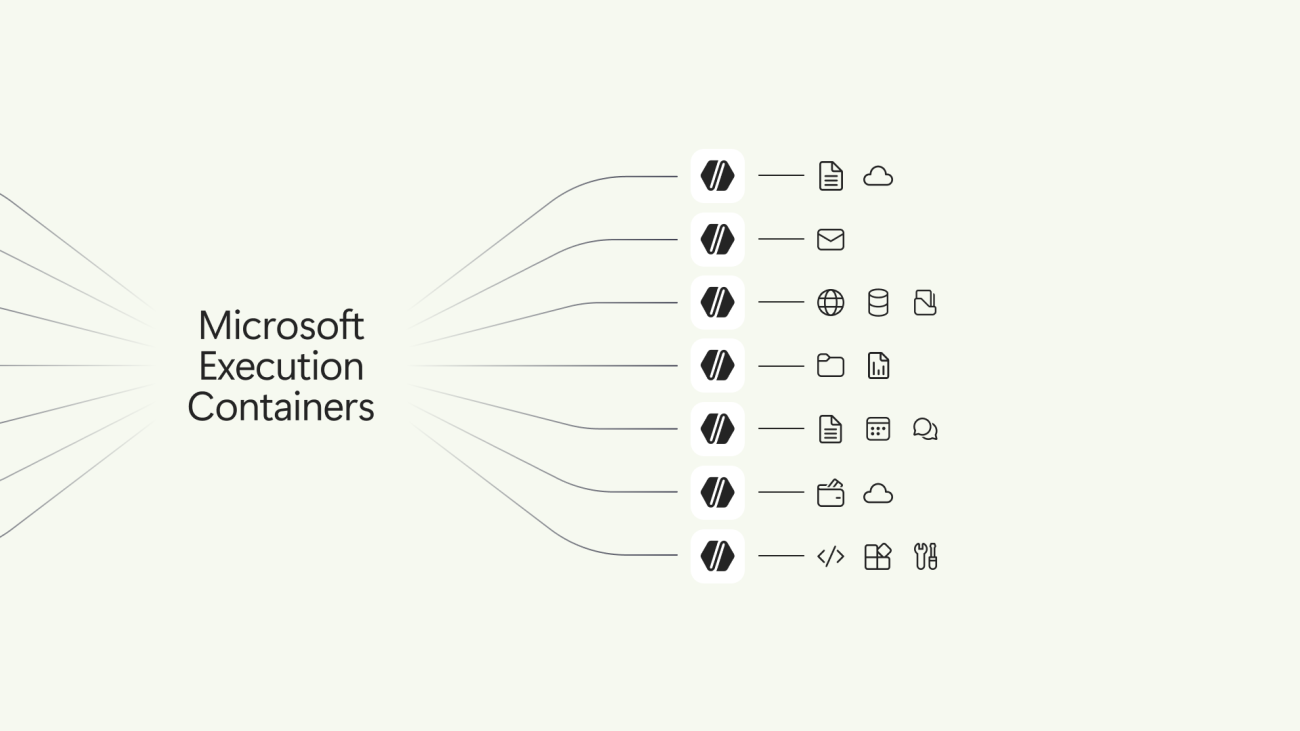
Those announcements should not be confused with the earlier Microsoft Execution Containers release. In its October 7 developer post, Microsoft said Microsoft Execution Containers (MXC) was generally available. That same post described upcoming Intune management policies and Entra-based agent attribution as future capabilities. General availability of the containment layer does not establish availability of every management feature discussed alongside it.
That distinction matters for rollout planning. A team evaluating the October 19 security proposals should ask which controls its installed agent and operating system can enforce today, rather than treating a roadmap as a completed deployment. This is a deployment recommendation, not a claim that SekaiTech has tested those integrations.
The sandbox does not cover every tool equally
MXC lets developers describe workload access through policy, including file locations, network connections and user-interface access. Microsoft documents several backends with different properties: process containers, Windows-only session and WSL containers, and an experimental MicroVM option on Windows and Linux. A shared policy interface does not make those isolation mechanisms interchangeable.
The GitHub Copilot integration illustrates why the tool boundary deserves close inspection. Microsoft's October 7 technical article says sandboxed shell commands, and by default local Model Context Protocol servers and language servers, run inside the process boundary. Built-in file tools instead run within the Copilot harness, which checks requests against policy. Those checks are not the same as operating-system-enforced isolation for child processes.
Remote Model Context Protocol servers also sit outside the local process sandbox. The article describes in-process connection-policy checks where applicable. Its explicit warning is worth preserving: local inference does not make the session offline. Model placement, network access and tool execution need separate answers.
Test denied actions before trusting the setup
Our practical recommendation is to write an access inventory before enabling unattended work. For a repository-maintenance agent, identify the working copy it may change, the configuration it may only read, and the destinations it may contact. Then distinguish shell execution from built-in tools and remote services. Each route needs its own verification.
MXC's documented operating modes make another important distinction. Learning mode still blocks ungranted access and records it in an activity report. Permissive mode records access that policy would deny but allows the operation to proceed, subject to other applicable restrictions. Enforcement mode blocks ungranted access without that activity report. Microsoft's activity-report support is specific to Windows process containers.
A completed task in permissive mode therefore does not demonstrate that the proposed boundary would stop an unwanted action. For evaluation, use disposable data and deliberately attempt a denied operation through each relevant tool route. Record both the successful permitted work and the rejected action. That gives a team more useful evidence than an agent simply reporting that it followed instructions.
Keep deployment and authority separate
For readers considering local inference, our earlier coverage of Intel's LLM containers addresses a different question: how to assess an inference deployment. It should not be mistaken for evidence about the authority granted to an agent using that deployment.
Microsoft's latest announcement offers a direction for managing agent authority over time. The immediate purchasing and deployment question is narrower: can the specific integration demonstrate its limits, including what remains outside the sandbox? Until that is verified, a more capable model or a local runtime is no substitute for a tested permission boundary.