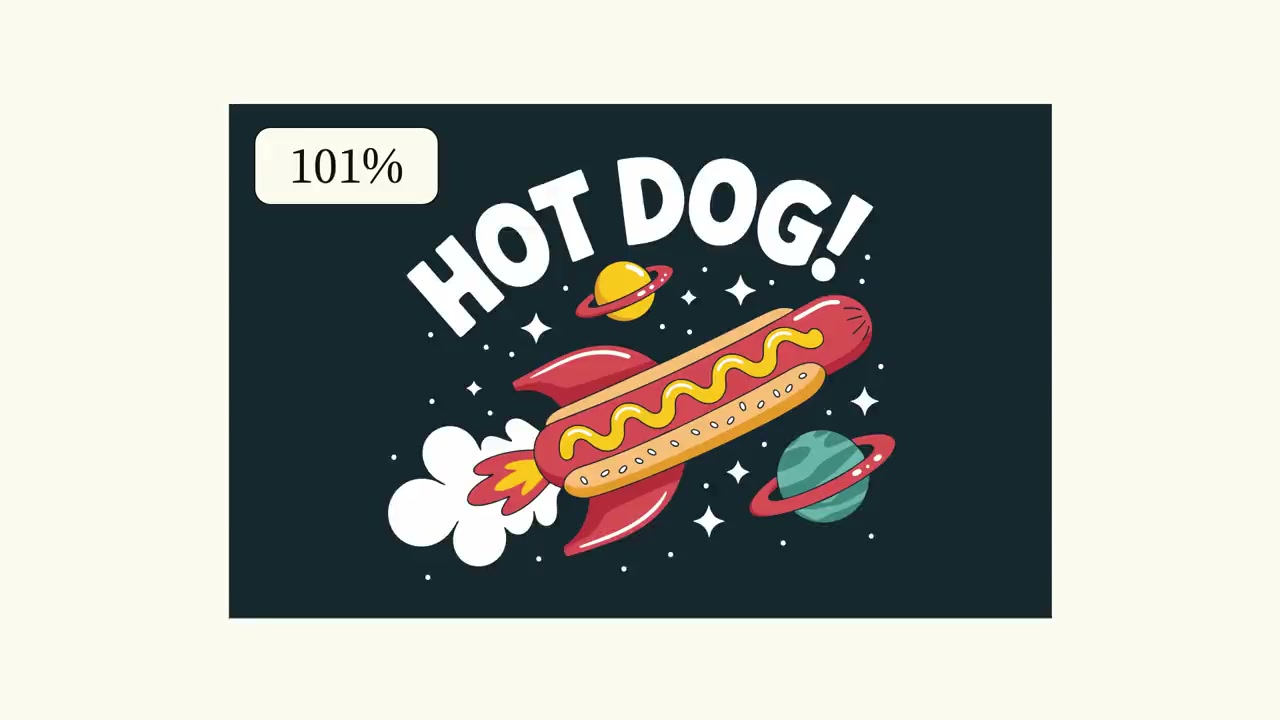
Ideogram Vector joined Runway Dev on October 28, 2026, according to Runway’s developer changelog and model directory. The addition gives developers a documented route to generate a scalable SVG illustration from a text prompt, optionally guided by reference images, and a separate route to convert an existing image into vector artwork. For applications that need editable graphics rather than another flattened picture, the output format is the consequential part of this release.
The announcement specifies prompts of up to 9,500 characters, as many as five reference images and one SVG per generation request. It also introduces an image-to-vector endpoint with a simpler-shape option. Those details make the update relevant to design-tool developers, merchandise workflows and teams preparing graphics for reuse at different sizes. They do not establish that every generated design will arrive ready for production.
This is an analysis of an October 28 release, checked on November 1, rather than a claim that the model is today’s viral topic. There is also a documentation caveat: Runway’s live developer changelog, model listing and pricing page describe Ideogram Vector, but the API reference specification retrieved for this report did not contain its model identifier or image-to-vector route. The release is supported by official documentation; a complete, tested integration recipe is not.
What Runway actually added
In its October 28 developer changelog entry, Runway identifies the model as ideogram_vector. Prompt-based generation uses the text-to-image endpoint, despite returning an SVG rather than the raster image that the endpoint name might suggest. The entry describes three quality settings: low, medium and high. Medium is the default, and an optional seed is available.
The separate conversion operation is POST /v1/image_to_vector. Runway says it accepts one imageUri, with vectorizationMode set to default or simple. Default is the default setting; simple produces fewer shapes. This distinction matters because a prompt asking for a new illustration and a request to convert an existing image are different jobs, even when both deliver vector artwork.
The official model directory independently lists Ideogram Vector with an October 28 availability date and describes both text-and-reference generation and source-image conversion. That corroborates the developer release entry. Runway’s broader product changelog was also checked, but the retrieved page did not provide a matching Ideogram Vector announcement. The dated developer records are the basis for the timing reported here.
SVG changes the handoff, not the approval standard
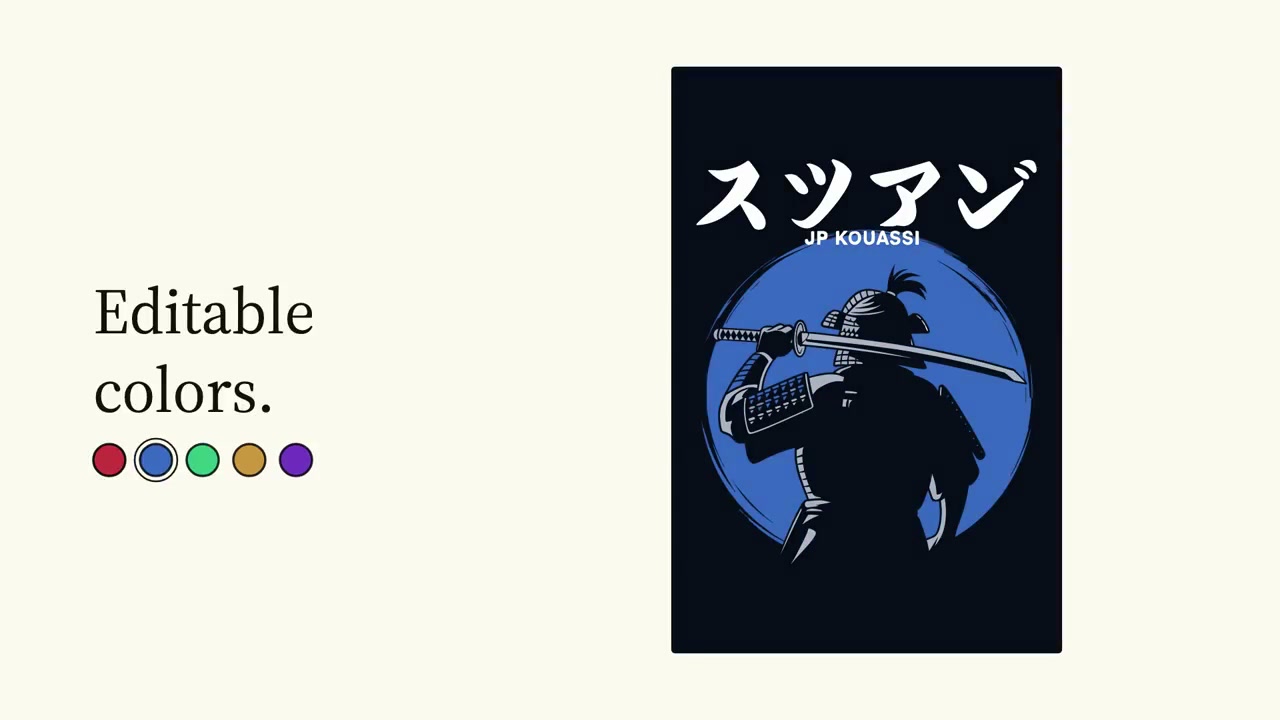
Ideogram’s own Vector model page presents the product around scalable, editable SVGs for logos, print designs and illustrations. Its demonstrations show artwork being enlarged, recolored and edited by selecting individual shapes. These examples explain why vector output can be useful downstream: the receiving application can work with parts of a design instead of treating every change as an operation on a single rectangular image.
That is a meaningful handoff for a design application. A user who likes an illustration but needs a different accent color may want to edit the asset, not regenerate the entire composition. A team producing the same motif at several sizes may prefer to keep a vector master and export delivery files later. These are workflow implications of the documented format, not measured time savings from our tests.
Editable does not necessarily mean neatly organized for every designer’s preferences. The announcement does not provide a guarantee about semantic layer names, a maximum path count or the effort required to clean up an exported illustration. A convincing preview therefore answers only part of the evaluation question. Teams should also assess the delivered file in the editor and production process they actually use.
Typography deserves particular attention. Ideogram’s gallery includes lettering and branding examples, but an image of attractive lettering is not evidence that a file contains editable font-based text. The sources reviewed here do not promise that generated words remain ordinary text objects with interchangeable fonts. Developers should avoid presenting that behavior as a capability until they have inspected actual outputs.
Generation and conversion need different interfaces
A prompt-based interface can ask the user to describe the desired composition and supply references. Runway’s stated limit of five reference images gives applications room to collect visual guidance, but it does not explain every possible relationship between those references. The release entry does not establish that a particular reference will be copied exactly, that conflicting references will be resolved predictably or that brand colors will be reproduced without review.
The 9,500-character limit offers space for a detailed brief. An application might use that space to separate the subject, intended use, required wording and unwanted elements. This is a suggested brief structure, not a tested prompt formula. More characters should not be advertised as better output by default. A concise instruction with clear priorities can be easier to evaluate than a long brief containing contradictions.
Image conversion starts with a different user expectation: preserve the useful content of an existing asset while changing its representation. Runway’s simple mode introduces a practical choice about shape complexity. Fewer shapes may make some editing tasks easier, but the official description does not quantify the resulting fidelity or file-size change. A responsible interface would let users compare the converted result with the source rather than treating the simpler option as universally better.
These routes also call for different acceptance criteria. A newly generated illustration can be judged against a creative brief. A conversion should additionally be judged against its input, including small details and lettering. Combining both under a single vague creation button would hide a distinction the API documentation makes explicit.
The reference and SDK gap is worth checking before implementation
Live documentation did not line up completely during this review. The developer changelog, model directory and pricing guide all described Ideogram Vector. However, the retrieved API reference and downloadable OpenAPI specification lacked both ideogram_vector and /v1/image_to_vector. A second retrieval of the API reference with a query parameter returned the same document size and still lacked those identifiers.
The official Python SDK source checked for text-to-image request types likewise did not include an Ideogram Vector type. An attempted retrieval of an image-to-vector request-type file returned a not-found response. These observations describe the public artifacts available during this check. They do not prove that the underlying service rejects requests, and they do not establish why the documents differ.
The practical consequence is narrower than declaring the release broken: do not infer a complete payload from neighboring image models. Shared endpoint names do not guarantee shared fields. In particular, the release promises one SVG per request; developers should not borrow another model’s batch-generation setting or resolution controls without a matching schema. This report therefore does not include an unverified copy-and-run API command.
Ideogram’s direct API documentation does describe its own SVG generation operation, including a 9,500-character prompt limit, but that is a different provider interface. Its field names and request format are not a substitute for Runway’s missing model-specific reference entry. Teams choosing between direct Ideogram access and Runway should verify the documentation for the provider they intend to call.
Quality and references change the credit budget
Runway’s pricing guide gives specific charges rather than a single universal generation price. Prompt-based generation costs 14 credits at low quality, 17 at medium and 22 at high without reference images. High-quality generation with reference images costs 35 credits. Image-to-vector conversion costs 11 credits for either conversion mode. These are the published rates checked on November 1, 2026, not charges measured from an account.
The high-quality reference case deserves an explicit label in an application’s cost display. A user can keep the same quality setting while changing the request from a text-only brief to a reference-guided one. That changes the documented rate. Hiding reference handling behind an attachment icon without updating the quoted cost would make the interface less clear, even if the provider request itself were valid.
Production budgeting should also distinguish an output from an accepted design. One billed SVG may still need regeneration or manual correction before someone approves it. The announcement contains no measured acceptance rate, so there is no evidence-based way to translate credits per request into a guaranteed cost per finished logo or printable design. Teams need their own representative review sample before making that promise to customers.
Shape editing is useful only when the delivered structure holds up
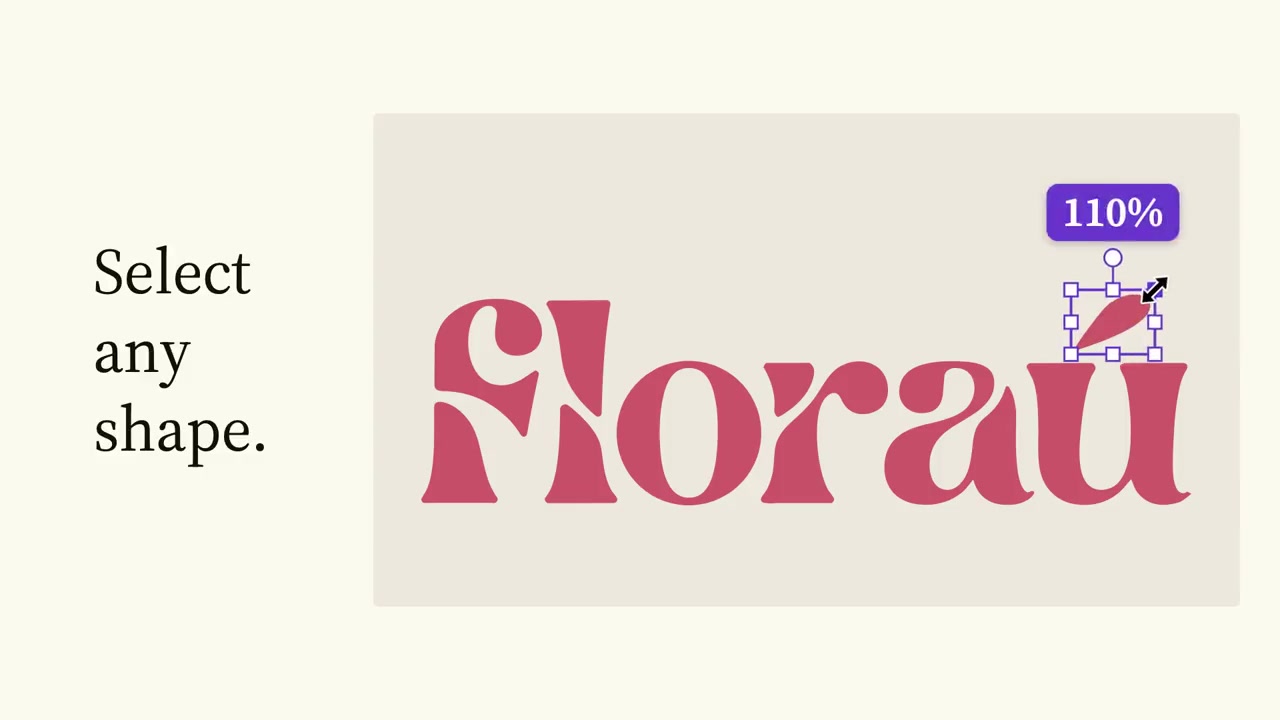
Ideogram’s shape-selection example illustrates a useful evaluation target. If a designer needs to move a small accent without disturbing the lettering, the delivered shapes must be separable in a workable way. The ability to open an SVG is necessary, but it does not answer whether a specific edit is convenient. That depends on the structure of the actual file and the receiving application’s tools.
A sensible evaluation would include an illustration with broad flat colors, a lettering-heavy design and an image conversion containing small details. Those are proposed test cases, not generations completed for this article. Reviewers could record whether each asset preserves the intended content, supports the edits they need and remains practical to handle. That would produce more useful evidence than judging a polished gallery image alone.
The same caution applies to claims about print readiness. A vector file can still require production-specific preparation and human checks. Neither Runway’s short release entry nor Ideogram’s gallery establishes suitability for every printer, cutting workflow or brand-approval process. An application can offer vector output without promising that the result bypasses those checks.
What this release establishes, and what remains untested
The verified news is specific: Runway’s developer records date Ideogram Vector availability to October 28 and describe SVG generation, optional reference guidance, a seed, quality tiers and an image-conversion route with two modes. Ideogram’s own model page supplies directly relevant demonstrations of scalable and editable vector artwork. Together, those sources support analysis of a new vector-output option within Runway Dev.
They do not support a performance ranking, a claim of broad adoption or a conclusion that the service already works in every integration. No paid generation request was made for this report. We did not measure latency, inspect a newly generated Runway SVG or test its editability in a design application. The images accompanying this analysis are Ideogram’s published demonstrations and remain separate from that unperformed validation.
For developers already considering Runway, the next decision is whether vector output solves a real handoff problem in their product. If it does, the October 28 addition warrants evaluation once the model-specific request contract is confirmed. The first implementation milestone should be a documented request that returns an SVG the intended editor can use, followed by an honest assessment of correction effort and credit consumption.
Sources
- Runway Dev changelog: Ideogram Vector, October 28, 2026
- Runway Dev model directory
- Runway Dev pricing guide
- Runway API reference and downloadable OpenAPI specification
- Official Runway Python SDK text-to-image request types
- Ideogram Vector model page and demonstrations
- Ideogram direct API: SVG generation reference
Tags: Ideogram Vector, Runway Dev, SVG, vector graphics, generative AI, API integration